Most people have met a bad chatbot: it misunderstands the question, repeats itself and offers no way to reach a human. Modern generative AI makes a much better one possible, but only if it is built with care. This guide walks through what a good business chatbot needs, and the steps to build one.
Decide what the chatbot is for
A chatbot that tries to do everything does nothing well. Start with one clear purpose, for example:
- Answering customer questions about products, prices, delivery or opening hours.
- Helping staff find answers in internal documents and policies.
- Collecting enquiry details and passing them to your sales team.
Write down the ten questions it will be asked most often. If you cannot list them, you are not ready to build yet. Your support inbox and call notes are the best place to find them.
Give it your own content
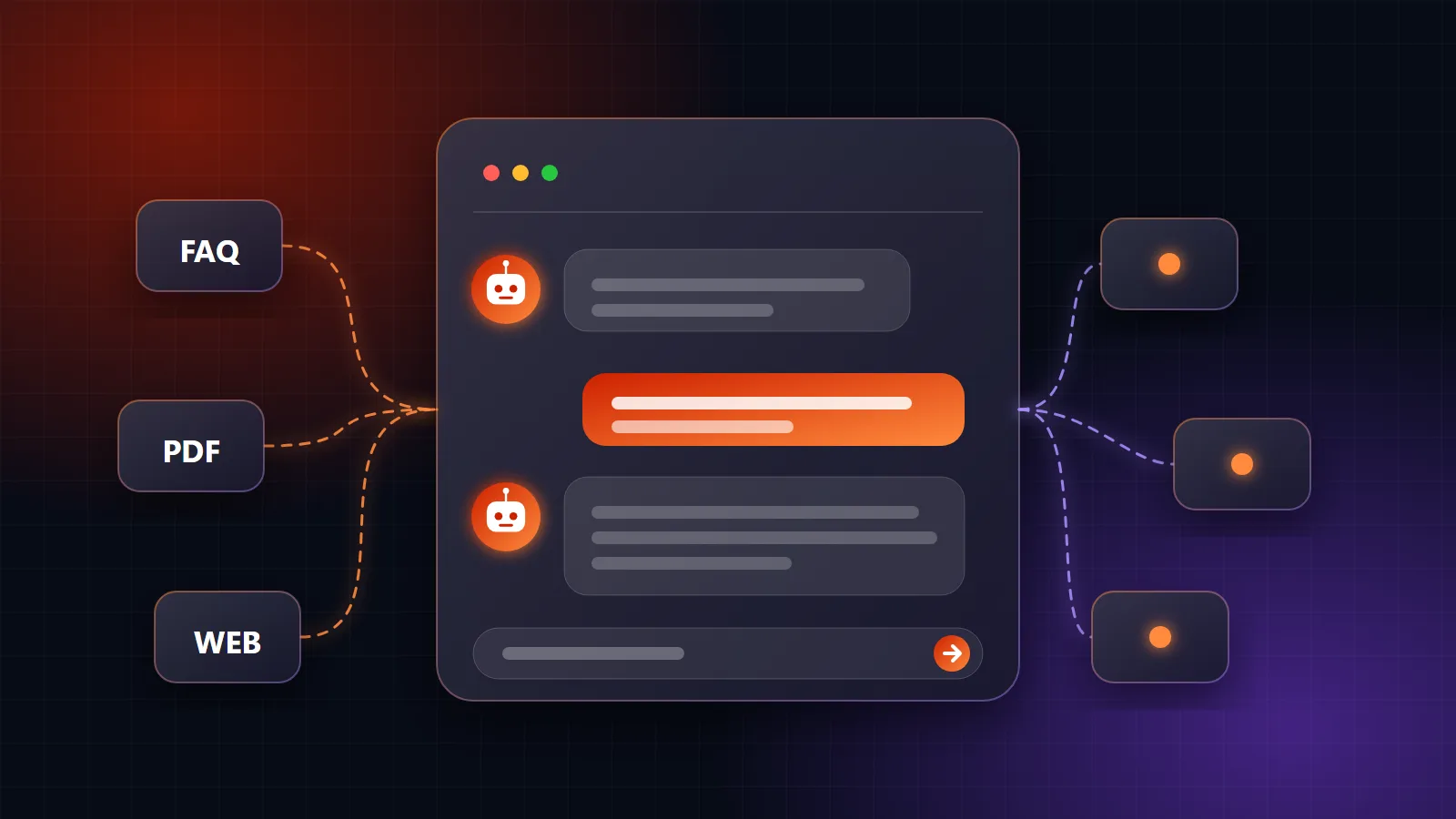
A general AI model knows a lot about the world and nothing about your business. To answer correctly, the chatbot needs to read your material: product pages, price lists, FAQs, policies and manuals.
The usual approach is called retrieval. When someone asks a question, the system finds the most relevant passages from your content and gives them to the AI model along with the question. The model then writes an answer based on those passages instead of guessing. This keeps answers on topic and makes them easier to correct, because you fix the source content rather than retraining anything.
Set clear rules and limits
Decide how the chatbot should behave before anyone talks to it:
- Stay in scope. It should politely decline questions that are not about your business.
- Admit uncertainty. If the answer is not in your content, it should say so and offer a person, not invent something.
- Be honest about being an AI. Customers should know they are talking to an automated assistant.
- Protect private data. Do not let it reveal other customers' details, and send only the information the task needs to the model.
Plan the handover to a person
The best chatbots know when to stop. Build a simple route to a human for cases such as complaints, payments, anything the bot is unsure about, or a customer who just asks for a person. Pass along the conversation so the customer does not have to repeat themselves.
Where it will live
Think about where your customers already are. A chatbot can sit on your website, inside a mobile app or in a messaging channel, and the same knowledge can power more than one. For staff, it can be added to an existing system such as an ERP so people ask questions where they already work.
Test before launch, then keep improving
- Try your real questions, including badly worded ones and ones it should refuse.
- Have a few staff members test it and note every wrong or awkward answer.
- Launch to a small group first, with a person reviewing conversations.
- Read the conversations weekly at the start. Each failed question tells you which content to add or fix.
A chatbot is not finished at launch. Products, prices and policies change, so the content behind it needs to change too.
What it costs to run
Most models charge by usage, so cost depends on how many conversations you have and how long they are. It is usually small at the start. Set a usage limit and watch it for the first few weeks so a busy month does not surprise you.
Where Rabtoise fits
We build GenAI solutions including chat assistants trained on your content, with a clear scope and a fixed quote before work begins. We can also add an assistant to an existing website, ERP or custom application. If you have a use in mind, tell us about it and we'll say honestly whether a chatbot is the right answer.
Talk to us about your project
Tell us how your business runs and we'll give you an honest recommendation, with a fixed-scope quote before any work starts.
Get in touch