In many offices, someone spends hours each week reading PDFs and typing the numbers into accounting software. Invoices, bank statements, purchase orders and delivery notes all carry data that already exists in digital form, but locked inside a document. AI can read these documents and pull the data out. This article explains how it works and how to use it safely.
The problem with manual entry
Typing data from documents has three costs. It is slow, because every line is handled by hand. It is error-prone, because a mistyped digit can go unnoticed for months. And it is repetitive, which is tiring work for skilled people who could be doing analysis or follow-up instead.
Older tools used fixed templates and broke whenever a supplier changed their layout. Modern AI models read a document more like a person does, so they cope far better with different formats.
How AI document processing works
A typical pipeline has four steps:
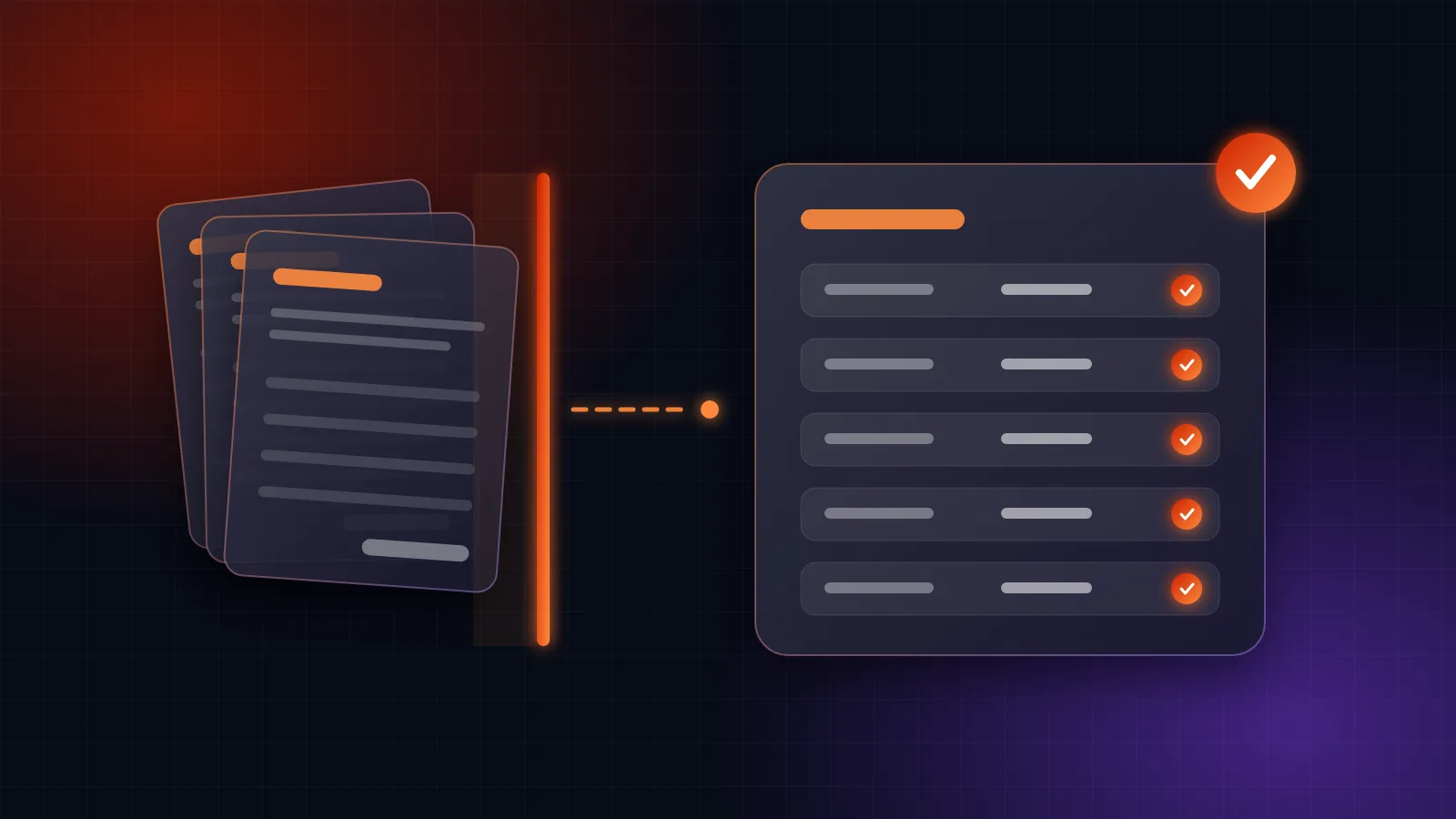
- Read the document. For scanned files and images, text recognition turns the picture into text. For digital PDFs the text is already there.
- Understand the layout. The AI identifies what each part means: supplier name, invoice number, date, line items, tax and total.
- Extract structured data. The result is a clean set of fields, such as a table of transactions from a bank statement, instead of a page of text.
- Send it onward. The data goes into your accounting software, ERP or spreadsheet, ready to use.
This is the idea behind a project we built for an auditing practice: a bank-statement extractor that feeds straight into an accounting module. You can read about it in the MVR Auditors case study.
Documents it handles well
- Supplier invoices with line items, tax and totals.
- Bank statements with many transactions across pages.
- Purchase orders and delivery notes that need matching to stock.
- Forms and receipts with a consistent set of fields.
Keep a person in the loop
AI extraction is good, not perfect. Poor scans, handwriting, unusual layouts and faint stamps can all cause mistakes. A sensible design includes safeguards:
- Checks that catch errors. Line items should add up to the total, and dates should look like dates. If the numbers do not reconcile, the document is flagged.
- A review screen. A person confirms flagged items quickly, with the original document shown beside the extracted data.
- A record of changes. Corrections are logged so you can see what was changed and by whom.
The aim is for people to review exceptions, not retype everything.
Think about privacy
Financial documents are sensitive. Before choosing a tool, ask where the files are processed, who can access them and how long they are kept. Limit access to the people who need it, and keep an audit trail. For some businesses, processing on your own systems is worth the extra setup.
How to start
- Pick one document type that your team handles in volume, such as supplier invoices.
- Collect a sample of real documents, including the messy ones.
- Measure today's effort: time per document and how often errors are found.
- Run a pilot with every result checked at first, then reduce the checking as accuracy proves itself.
Where Rabtoise fits
We build document-processing tools as part of our GenAI solutions, and connect them to accounting software and ERP systems so the data lands where you need it. If a pile of PDFs is slowing your team down, send us a sample and we'll tell you what is realistic.
Talk to us about your project
Tell us how your business runs and we'll give you an honest recommendation, with a fixed-scope quote before any work starts.
Get in touch