Many businesses assume that using AI means replacing their software. It usually does not. If you already run a website, an online store or an ERP, AI features can often be added on top, one at a time, without disturbing what works. This guide covers where AI fits, how it connects, and what to check first.
Where AI fits into existing software
Think about the moments where your team or customers read, write or search a lot of text. Those are the places AI helps most. Common additions include:
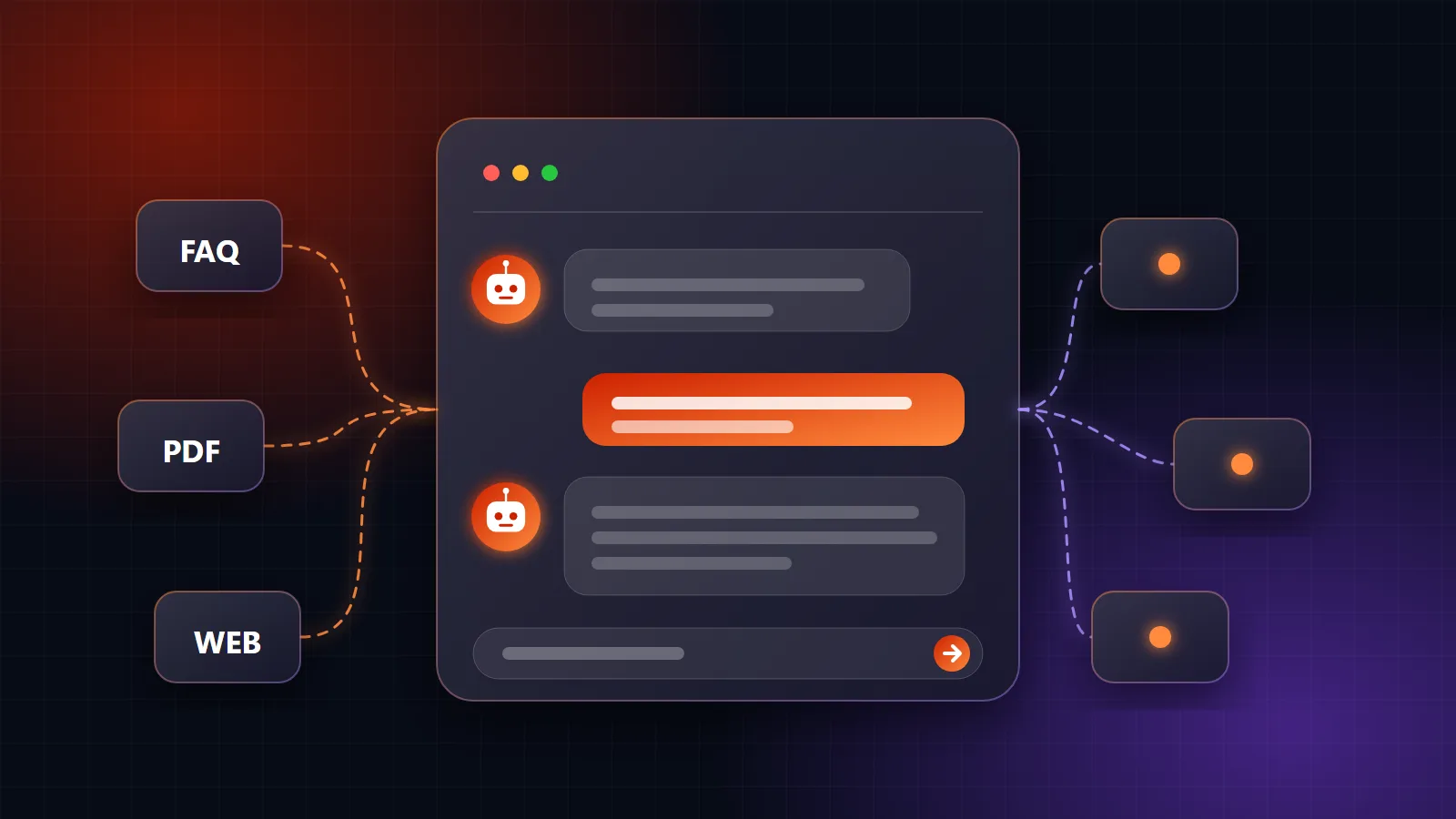
- A chat assistant on your website that answers questions from your product and policy pages.
- Plain-language search in your ERP, so someone can ask "which items ran low this month?" instead of building a report.
- Drafting help for product descriptions, customer replies and summaries.
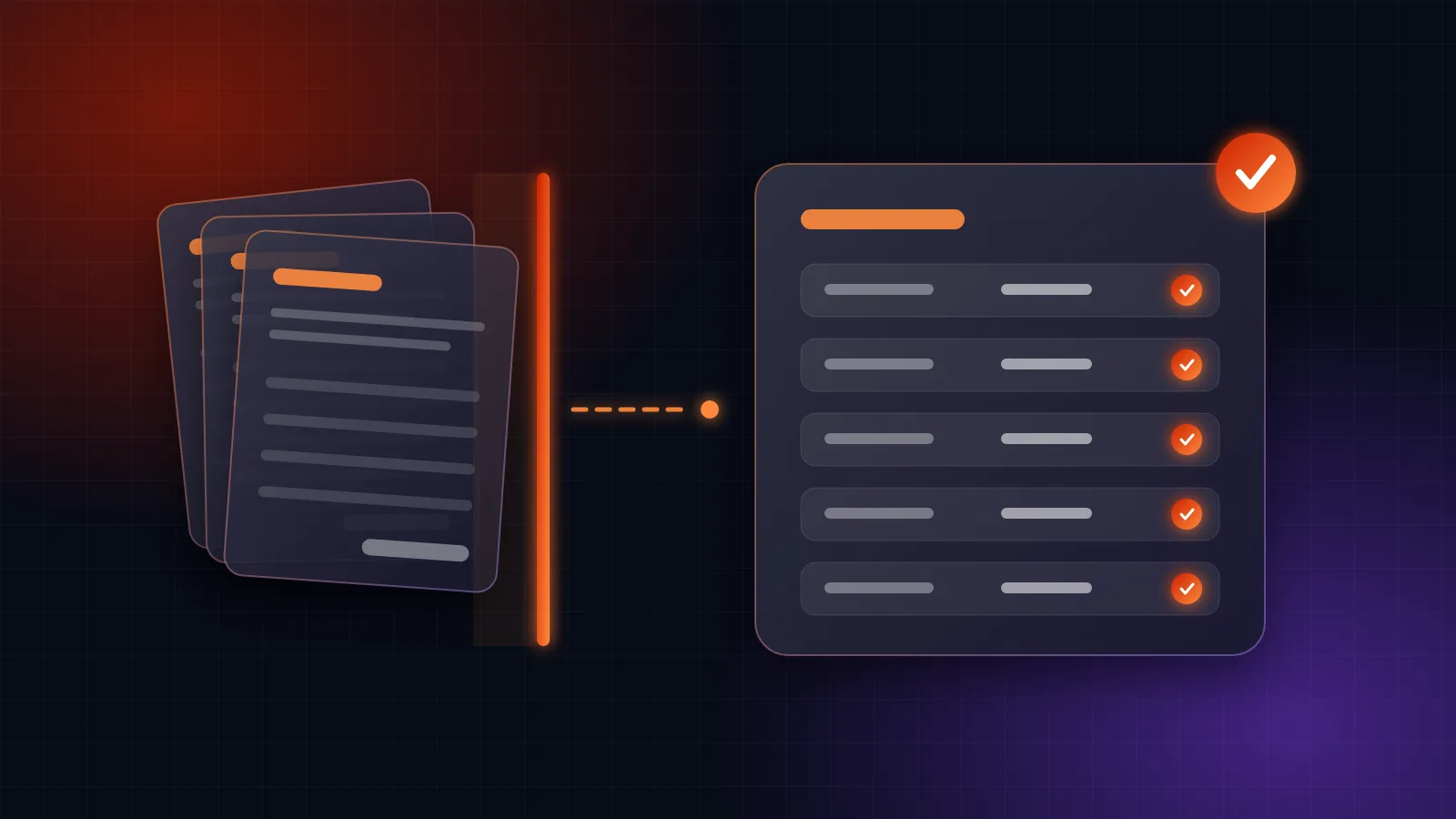
- Document reading, such as pulling fields out of invoices and sending them to your accounts module.
- Smart classification, such as tagging enquiries by topic or urgency before they reach your team.
How the connection works
You do not retrain a model or open up your whole system. Most additions follow the same pattern:
- Your software calls an AI model through a secure connection, sending only the information the task needs.
- The model returns a result, such as a reply, a summary or a set of extracted fields.
- Your software uses it, showing it to a person or saving it, following your existing rules.
For questions about your data, the AI is given access to specific, approved records and nothing more. It reads what a given user is allowed to see, so permissions in your system still apply.
Check these before you start
Your data. AI answers are only as good as the information behind them. If product details, prices or stock records are out of date, fix that first.
Access and privacy. Decide what data may be sent to a model and what must stay private. Keep user permissions in place so the AI never shows someone information they could not see otherwise.
Who checks the output. For anything that affects money, customers or records, a person should confirm the result at first. Let automation grow only as trust is earned.
The running cost. Models are usually billed by usage. Set limits and monitor it for the first weeks.
Pick the model for the job
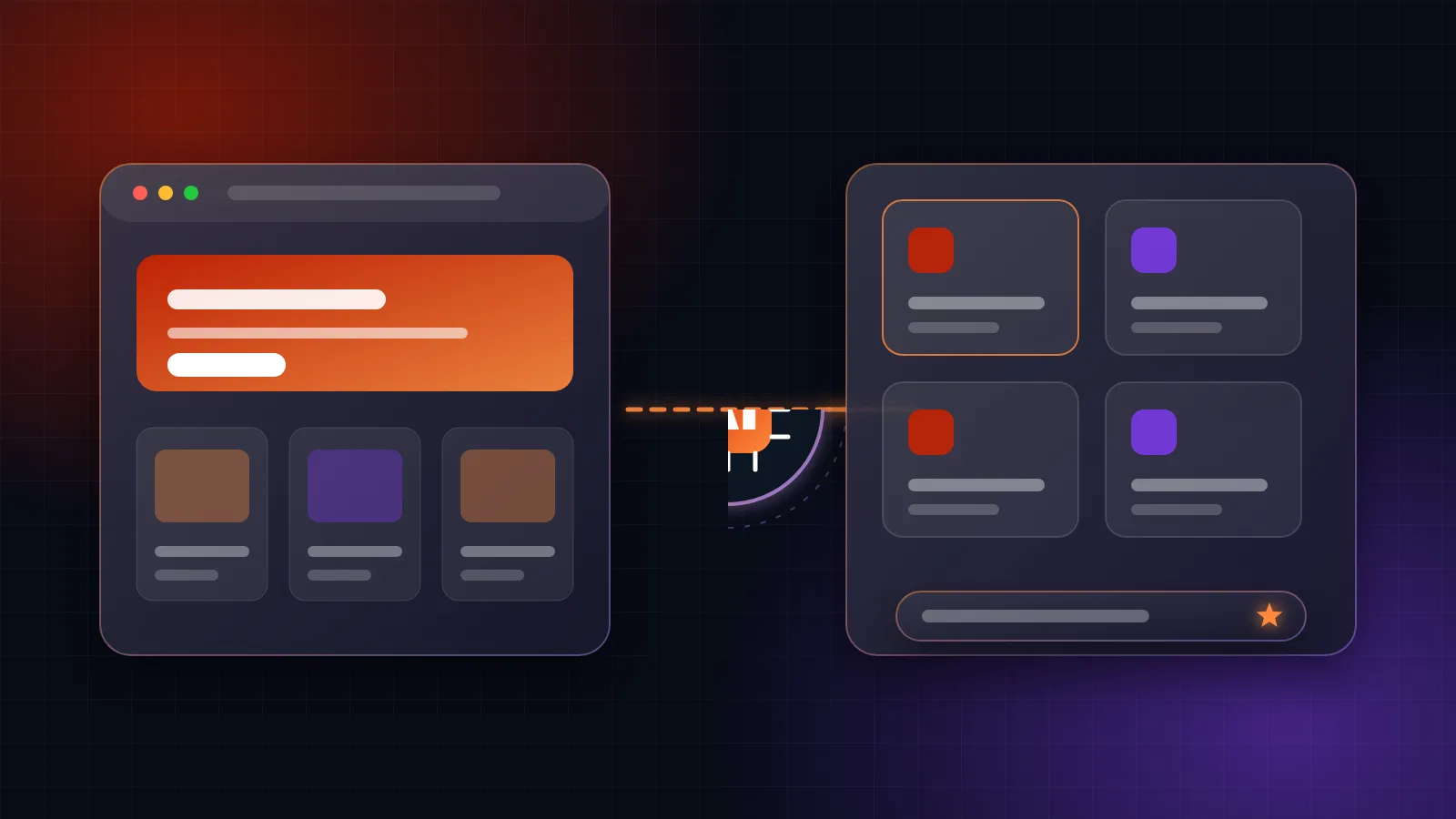
OpenAI, Anthropic's Claude and Google's Gemini each have strengths, and they differ in speed, price and data options. A well-built integration keeps the model behind a clean interface, so you can switch to a better or cheaper one later without rebuilding the feature.
Start small
The most reliable path is a short pilot:
- Choose one feature with a clear benefit, such as the website assistant or plain-language reports.
- Build it for a small group of users and gather their feedback.
- Measure the time saved or the questions answered.
- Add the next feature once the first has proved itself.
This keeps risk low and your budget under control, and the people using it help shape it.
Where Rabtoise fits
We add AI to existing software as part of our GenAI solutions. That includes assistants on websites, AI features in our ERP software and in custom applications we have built. We agree the scope and price before starting, so you know what you are getting. If you have a system in mind, tell us what you use and we'll suggest where AI could fit.
Talk to us about your project
Tell us how your business runs and we'll give you an honest recommendation, with a fixed-scope quote before any work starts.
Get in touch